Aqara Magic Switch S1E
Smart Touchscreen Wall Switch with 3-Gang Control & HomeKit Support
🛒 Buy This Product
Ships within India. Includes device, user manual, and screw kit.
🔗 Works With



📋 Overview
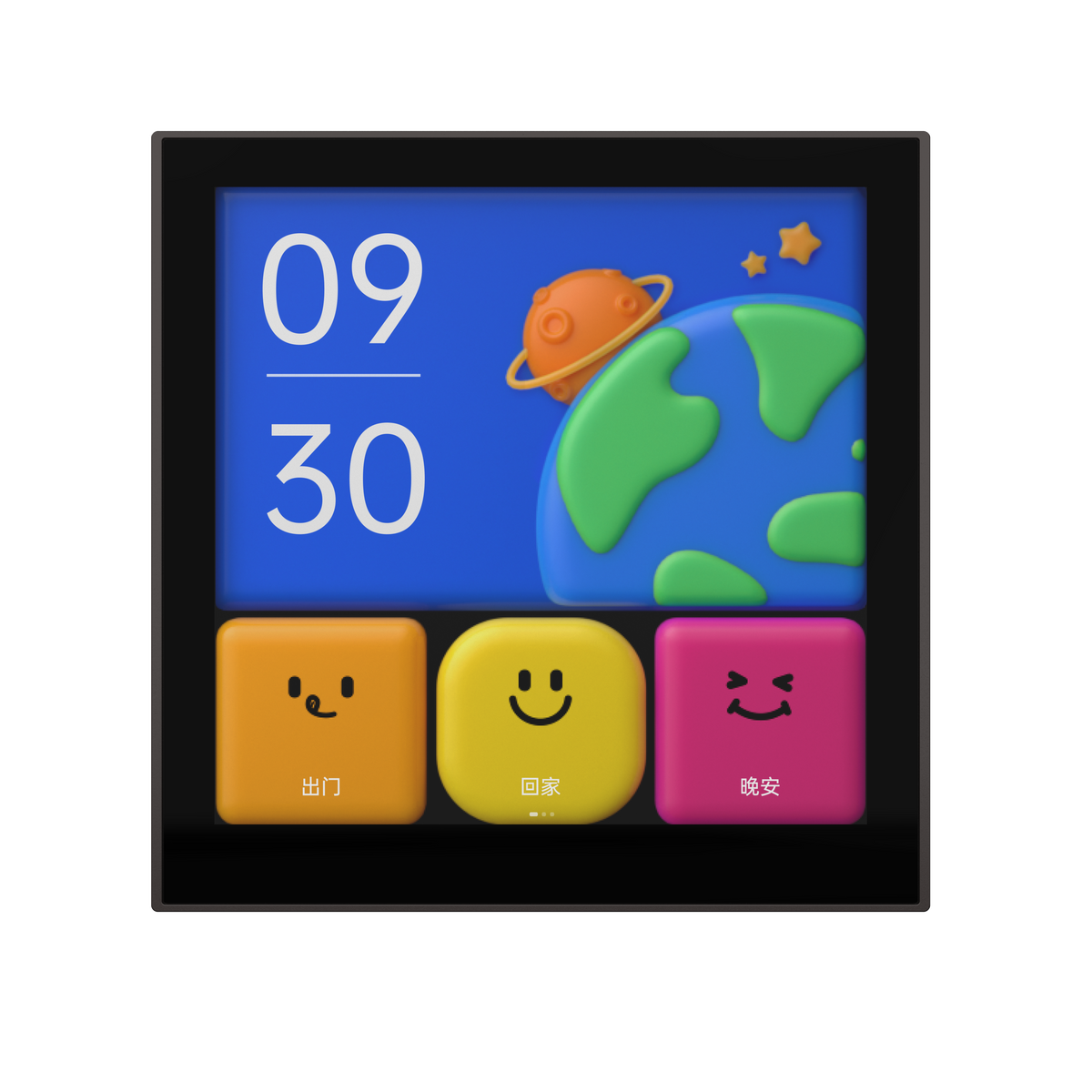
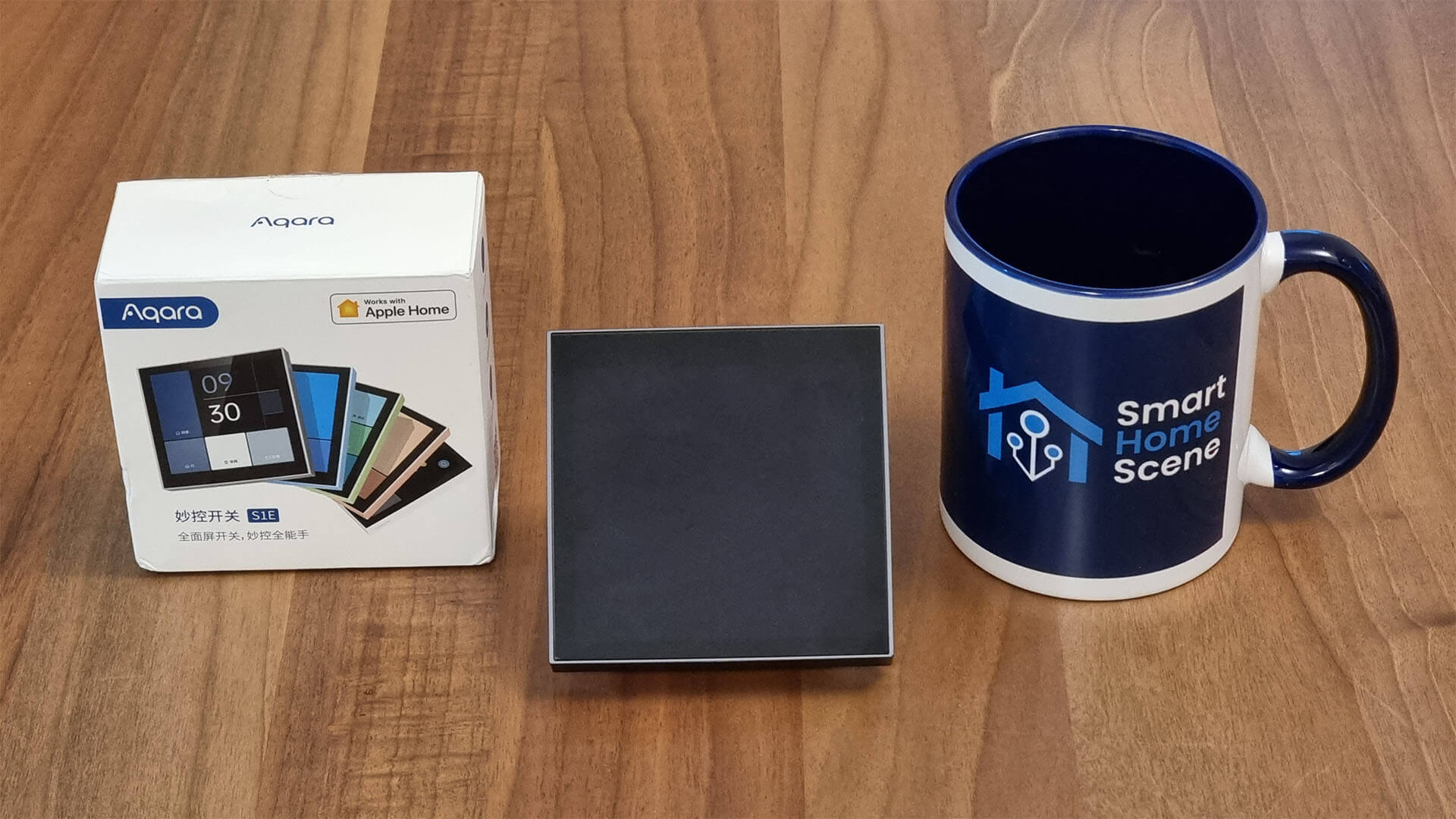
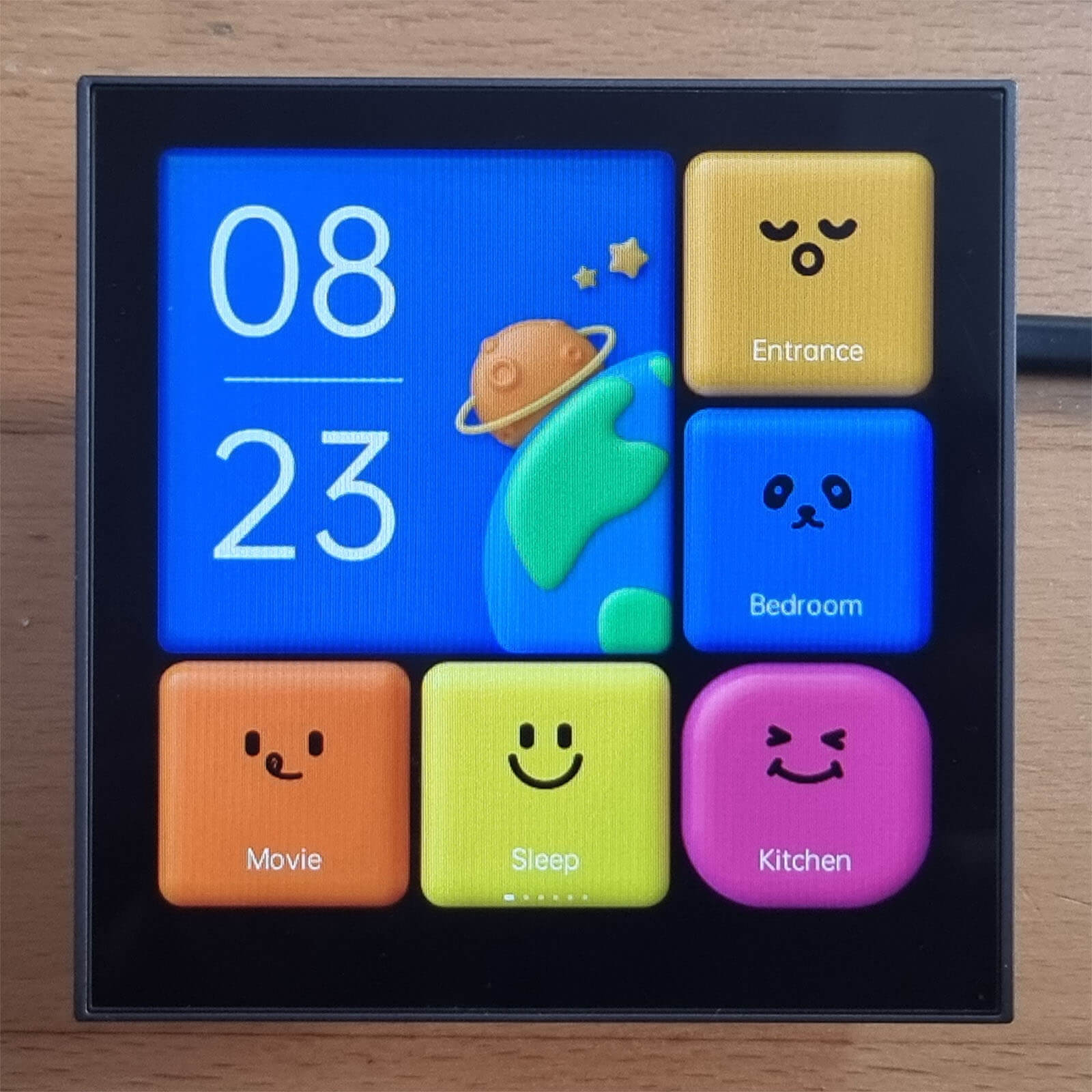
The Aqara Magic Switch S1E (Model: MS-K01D) is a smart wall switch with a built-in 480x480 color touchscreen. It replaces a standard wall switch and gives you a full control panel to manage lights, curtains, locks, and scenes — right from the wall. It supports up to 6 customizable dashboard screens with 9 zones each.
Key Features
- ✓ 480x480 Color Touchscreen Display
- ✓ 3-Channel Lamp Control Switch
- ✓ 6 Customizable Dashboard Screens
- ✓ Wi-Fi 2.4GHz — No Hub Required
- ✓ Apple HomeKit & Home Assistant Compatible
- ✓ Power Consumption Monitoring (kWh)
- ✓ Weather & Time Display
- ✓ Scene Automation Support
📲 Download the App
To configure and manage the Aqara Magic Switch S1E, you need the Aqara Home app. It is available for both iOS and Android.
🔌 Wiring Guide
Safety First! Always turn OFF the main power supply before wiring. If you are not experienced with electrical work, hire a licensed electrician.
Neutral wire (N) is required. The S1E will NOT work without a neutral wire connection.
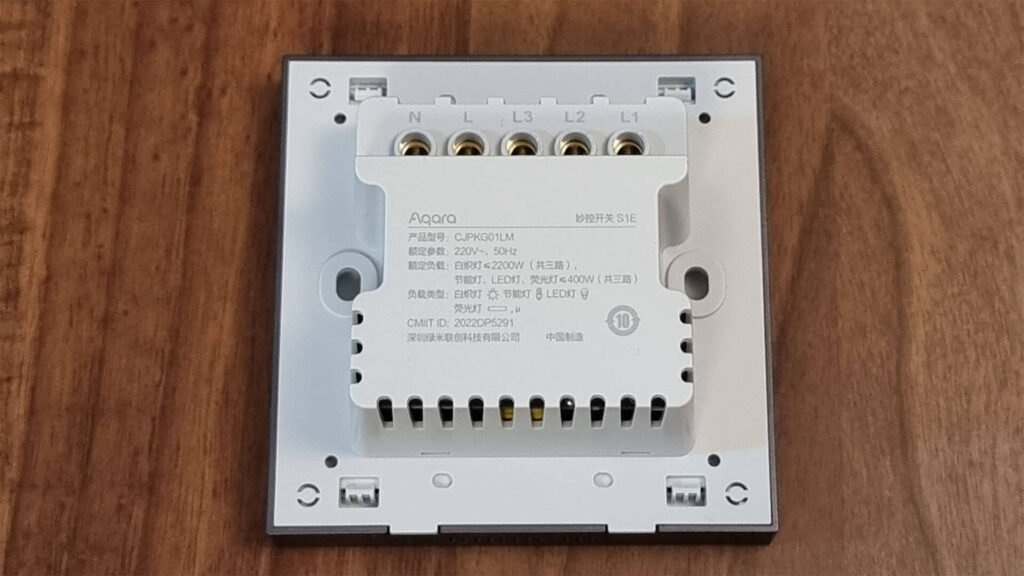
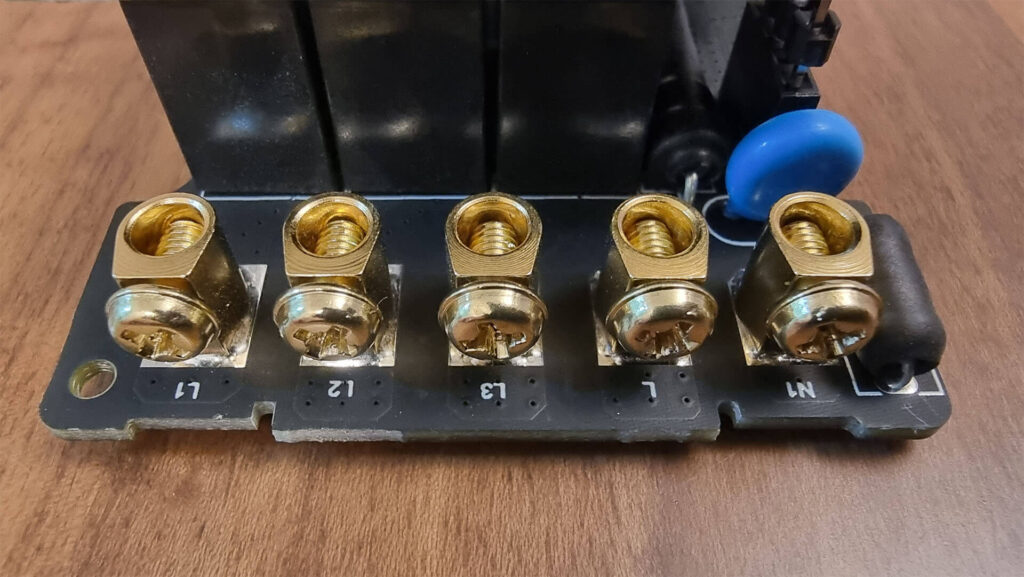
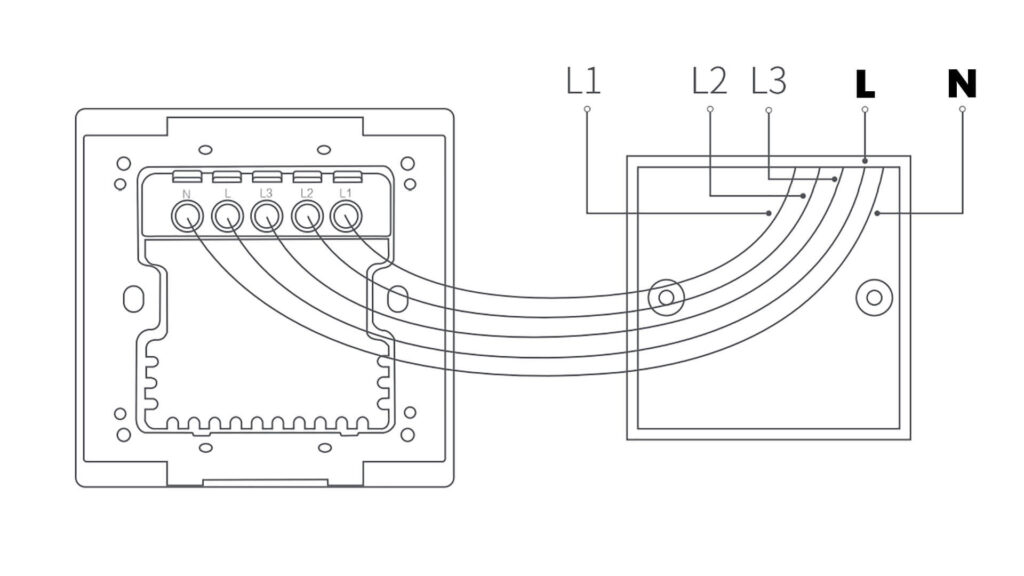
The switch has 5 wiring terminals on the back:
    ┌─────────────────────────┐
    │     AQARA S1E (BACK)    │
    │                         │
    │   ┌───┐ ┌───┐ ┌───┐    │
    │   │ N │ │ L │ │L1 │    │
    │   └─┬─┘ └─┬─┘ └─┬─┘    │
    │     │     │     │       │
    │         ┌───┐ ┌───┐    │
    │         │L2 │ │L3 │    │
    │         └─┬─┘ └─┬─┘    │
    │           │     │       │
    └─────────────────────────┘

  N  → Neutral (Blue wire)    [MANDATORY]
  L  → Live/Line (Brown/Red)  [From MCB]
  L1 → Load 1 (Light Group 1)
  L2 → Load 2 (Light Group 2)
  L3 → Load 3 (Light Group 3)
N (Neutral) — Connect to the Neutral wire (usually Blue). This is mandatory.
L (Live/Line) — Connect to the Live wire from the main supply (usually Brown/Red).
L1 (Load 1) — Connect to the wire going to Light/Fan Group 1.
L2 (Load 2) — Connect to the wire going to Light/Fan Group 2.
L3 (Load 3) — Connect to the wire going to Light/Fan Group 3.
If you only use 1 or 2 light groups, you can leave the unused L2/L3 terminals empty. Just configure only the channels you need in the app.
⚙️ App Configuration
Open the Aqara Home app and create an account (or sign in).
Tap the "+" button to add a new device.
Select "Magic Switch S1E" from the device list.
Make sure your phone is connected to a 2.4GHz Wi-Fi network (5GHz is not supported).
Follow the on-screen instructions to pair the switch. The S1E will beep when pairing starts.
Once paired, assign the switch to a Room in the app.
Configure the 3 switch channels — assign each channel (L1, L2, L3) to the corresponding light group.
Customize the touchscreen dashboards — add tiles for devices, scenes, weather, and time.
Optionally, link to Apple HomeKit by scanning the HomeKit code on the device or in the app.
📐 Specifications
| Model | MS-K01D |
|---|---|
| Dimensions | 86 x 86 x 41.35 mm |
| Display | 480 x 480 Color Touchscreen |
| Wireless | Wi-Fi IEEE 802.11 b/g/n 2.4GHz |
| Rated Input | 220-240V~, 50/60Hz |
| Max Load (Incandescent) | 2200W (3 channels total) |
| Max Load (LED/CFL) | 400W (3 channels total) |
| Operating Temp | -10°C to 40°C |
| Humidity | 0% - 95% RH (non-condensing) |
| Platform | Aqara Home, Apple HomeKit, Home Assistant |
🛠️ Tips & Troubleshooting
Can't connect to Wi-Fi? — Make sure you are on a 2.4GHz network. The S1E does not support 5GHz Wi-Fi.
Screen not turning on? — Verify the Neutral (N) wire is properly connected.
Switch not responding? — Long press the touchscreen for 10 seconds to factory reset.
Language is Chinese only? — As of now, the S1E touchscreen UI only supports Chinese. However, the Aqara Home app can be used in English.
Works with Home Assistant? — Yes! Add it via the HomeKit integration in Home Assistant for full control.
Power monitoring inaccurate? — Allow 24-48 hours for the power readings to calibrate after installation.